


In this article I will discuss the How to Set Up Multi-Chain Approvals in MetaMask, an important consideration for users engaging with different dApps across several blockchains.
Multi-chain approvals assist in granting token permissions optimally, minimizing undue risks. If you’re on Ethereum, BNB Chain or Polygon, streamlined approvals will bolster your asset security and enhance your DeFi experience.
What Are Multi-Chain Approvals?
Multi-chain approvals pertain to the permission configurations that let decentralized applications (dApps) use your tokens on different blockchains via MetaMask. With every allowance you give for a transaction or token on a network like Ethereum, BNB Chain or Polygon, MetaMask caches that allowance.

While such approvals are beneficial for interactions that are done in the future without the need for constant approvals, they can pose some security issues if not handled carefully. Knowing what multi-chain approvals are, is crucial for your security as you navigate DeFi and cross-chain systems.
How to Set Up Multi-Chain Approvals in MetaMask

Example: Configuring Multi-Chain Authorization with MetaMask: BNB Chain and Ethereum Case Study
Get MetaMask
Download the MetaMask browser extension or mobile application if you don’t already have it.
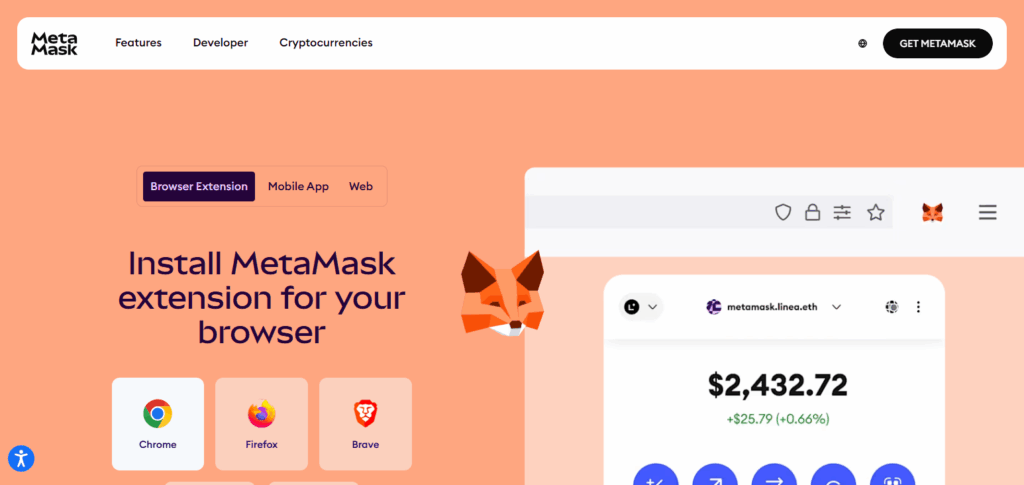
Connect to Ethereum
Launch MetaMask and choose Ethereum Mainnet on the dropdown list for the network.
Add BNB Chain (if not previously added)
- Go to the dropdown for the network and click on “Add Network.”
- Fill out the BNB Chain information:
- Network Name: BNB Smart Chain
- RPC URL: https://bsc-dataseed.binance.org/
- Chain ID: 56
- Symbol: BNB
- Block Explorer URL: https://bscscan.com
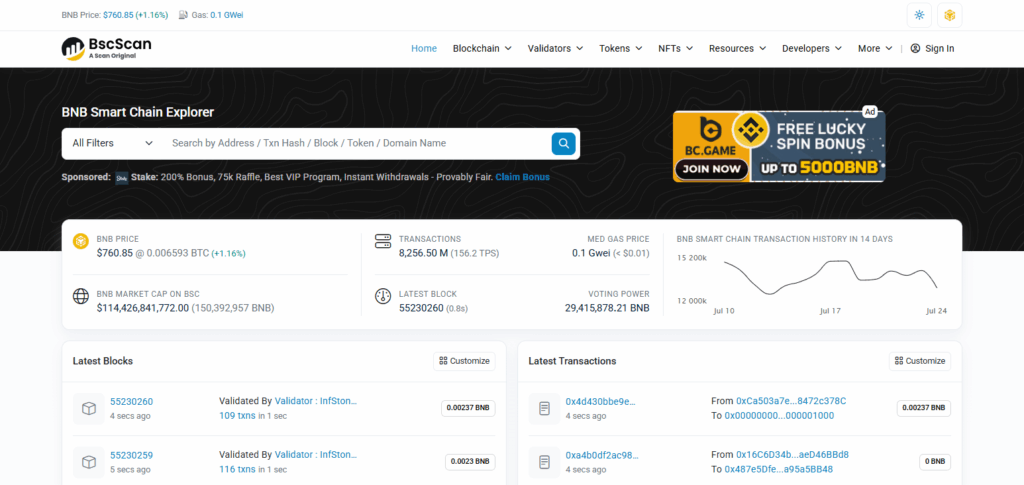
- Click on Save.
Connect DApps on each Chain
Access PancakeSwap DApp for BNB Chain and Uniswap for Ethereum. MetaMask will request access tokens to approve on each chain.
Manage Token Approvals
- Access Revoke.cash or Debank to manage approvals.
- Change to Ethereum and revoke any active permission for tokens you do not want to control.
- Change to BNB Chain and do the same.
Best Practices for Security
Use Hardware Wallets: The safest way to use MetaMask is to integrate it with hardware wallets like Ledger or Trezor.
Regularly Audit Token Approvals: Review permissioned tokens on Revoke.cash or Debank to flag approvals that are not needed.
Avoid Unlimited Approvals: Token access approvals must always be set to a custom, limited allowance.
Revoke Unused or Risky Permissions: Unused tokens which have been approved for access to dApps should be removed to minimize vulnerabilities.
Verify Contract Addresses: Approve only tokens and dApps that are provided with verified contract addresses and are well-known.
Stick to Official RPC Networks: Make sure that the blockchain networks you are connecting to are valid, and properly set up.
Keep MetaMask and Extensions Updated: Outdated extensions put users at risk of known vulnerabilities and bugs, so using the latest version is essential.
Use Separate Wallets for Testing: Use a test wallet when interacting with new or unverified dApps so you do not risk your primary wallet.
Understand What You’re Approving: Approvals should never be granted with the confidence that the action is harmless. Each action should be considered, and prompts must be read with keen eyes.
Tips For Safe Multi-Chain Approvals in MetaMask
Always Set Custom Spend Limits: Spend Limits: Custom spending limits are the only approved method.
Overdue Token Approvals Review: With platforms like Debank and Revoke.cash, track and manage token approvals across chains.
Unused Permissions Revocation: All approvals should be revoked the instant they are unused.
Auth DApp Check: Do not interact with platforms that don’t have verifiable third-party audits.
Hardware Wallets: Use of hardware wallets (Ledger, Trezor) that are compatible with MetaMask adds extra layers of transaction confirmation.
Network Setting Double Check: Use the right and official blockchain network (for example: Ethereum, Polygon, BSC).
Testing Wallet Risks: New dApps or protocols should be tried using a testing wallet.
Public WiFi Risks: Multi-Chain transaction safety is paramount. Always use a secure connection.
MetaMask Version Always Up To Date: Turning on anti malware and running the latest version of MetaMask should be the only method of patching known vulnerabilities.
Cross-Verify Token Contracts: Make sure the token contract addresses are accurate and validation has been performed on explorers such as Etherscan or BscScan before providing approval.
Troubleshooting Common Issues
Approvals Not Showing Up
Employ multiple methods like Revoke.cash, Debank, or Token Allowance Checker since they may each miss some approvals.
Can’t Switch Networks in MetaMask
Wait a moment, and refresh the browser or reopen MetaMask. In case it is still stuck, attempt to add the network manually from Chainlist.org.
Stuck or Pending Transactions
Raise the gas fee and submit a new transaction. You can “Speed Up” or “Cancel” the transaction in MetaMask.
Revoking Transactions Fail
You might be on the incorrect network or low on gas. Make sure you are adequately funded on the chain with the native tokens required (ETH, BNB, etc).
Hardware Wallet Not Responding
Unplug it and replug it to enable hardware integration MetaMask. Make sure the firmware is up to date and that the integration is being used correctly.
“Contract Interaction Failed” Message”
Make sure the dApp is using a bound contract that is marked as verified. Try using different revocation tools to bypass the block.
Repeated Approval Requests from DApps
You may need to take urgent action. This might be a broken or an infected app. Revoke access, and do not interact with it again.
MetaMask Network Errors
Make sure your internet is working properly, check the RPC URLs, and check if changing the browser fixes the issue.
DApp Not Detecting Revoked Approvals
Some dApps have approval data stored, thus, for certain situations it is optimal to refresh the app or disconnect and connect your wallet again.
Risk & Consider
Unlimited Token Access Risks: If a dApp or smart contract is compromised, granting unlimited approvals can lead to total asset loss.
Multiple Chains, More Exposure: Approvals over multiple blockchains expand your exposure to attacks, increasing the possibilities disproportionally.
Fake or Malicious Contracts: Approvals on unverified or malicious contracts can result in token drain or theft.
Overlooking Revocations: Users tend to overlook revocations, allowing persistent unauthorized access to tokens which can be long-term.
DApp Dependency: A reliance on secondary tools, such as Revoke.cash, is a risk in the case the tool is misconfigured or has outdated logic.
Gas Fees Accumulate: Multi-chain revocations can be costly due to differing gas fees per network.
Revoked but Still Vulnerable: Some rogue dApps may silently attempt to re-request access after a revocation—ensure verification on approvals.
Outdated Wallet or MetaMask Extension: Versions out of date may miss critical security patches and bug fixes, creating unnecessary exposure.
Pros and Cons
| Pros | Cons |
|---|---|
| Enables seamless DeFi access across multiple blockchain networks | Increases exposure to potential security threats across chains |
| Grants flexibility in interacting with various dApps and tokens | Requires careful tracking of approvals to prevent misuse |
| Saves time with one-time approval settings for trusted dApps | Unlimited approvals can lead to complete token loss if exploited |
| Tools like Revoke.cash simplify approval management | Revoking across chains can result in high gas costs |
| Improves user experience when configured with limits and best practices | Not all users understand approval risks, leading to poor security habits |
| Compatible with hardware wallets for enhanced safety | Misconfigured wallets or wrong networks can cause transaction errors |
Conclusion
Configuring multi-chain approvals in MetaMask is critical for users who wish to interact with decentralized applications on different blockchains safely.
Users can maintain wallet security by managing token approvals with trusted services like Revoke.cash, applying protective measures such as custom limits, revoking unused approvals, and following other security-focused best practices.
While multi-chain activity is an asset in some cases, it can be burdensome in others. However strategically configured, MetaMask can function as a secure and versatile bridge to the multi-chain Web3 world.
FAQs
What are multi-chain approvals in MetaMask?
Multi-chain approvals allow you to manage token permissions across different blockchain networks (e.g., Ethereum, BNB Chain, Polygon) within MetaMask, enabling safe and controlled interactions with dApps.
Why should I revoke unused approvals?
Unused approvals can be exploited if a dApp is hacked or malicious. Revoking them reduces your risk of unauthorized token access or theft.
Can I revoke approvals without paying gas fees?
No. Each revoke action is an on-chain transaction and requires a small gas fee paid in the network’s native token (e.g., ETH, BNB, MATIC).